
Adding General Information Request Documents and Comments
The Staff Director and EIC can add general documents and comments to the Supervisory Activity (SA) information requests until the SA is closed and locked.
About this task
Procedure
-
Navigate to your supervisory activity.
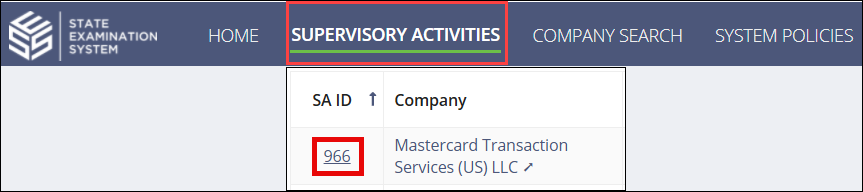
-
Search for and select the SA ID you would like to
access.

-
Click Information
Requests.

-
Click Add General IR Comment and Documents.

-
Type a Comment.
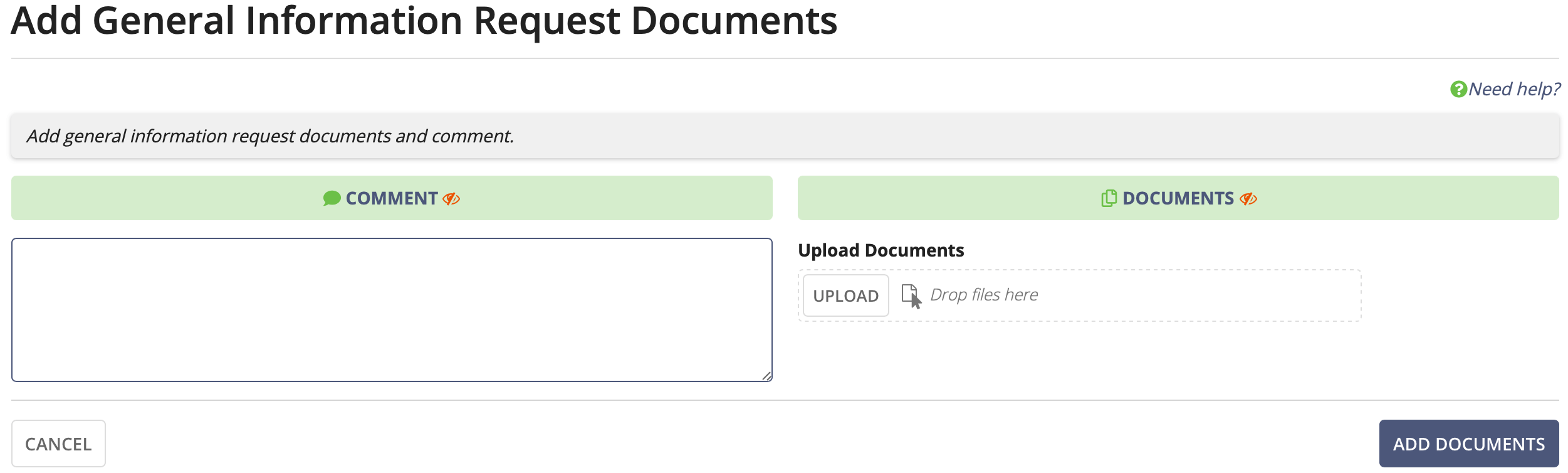
- Click Upload and select the document(s) to add, or drag and drop the documents in Drop Files Here.
- Click Add Documents.